Set Up a Wallet and RPCs
Setting up a wallet compatible with the Core blockchain is a key step in interacting with Colend.
This page will guide you in selecting an appropriate method, whether you are a beginner or an advanced user.
1. Use Rabby Wallet Desktop (Recommended)
For a simplified setup, we recommend Rabby Wallet. This free wallet natively integrates the Core blockchain, making it easier to add and manage the necessary connections.
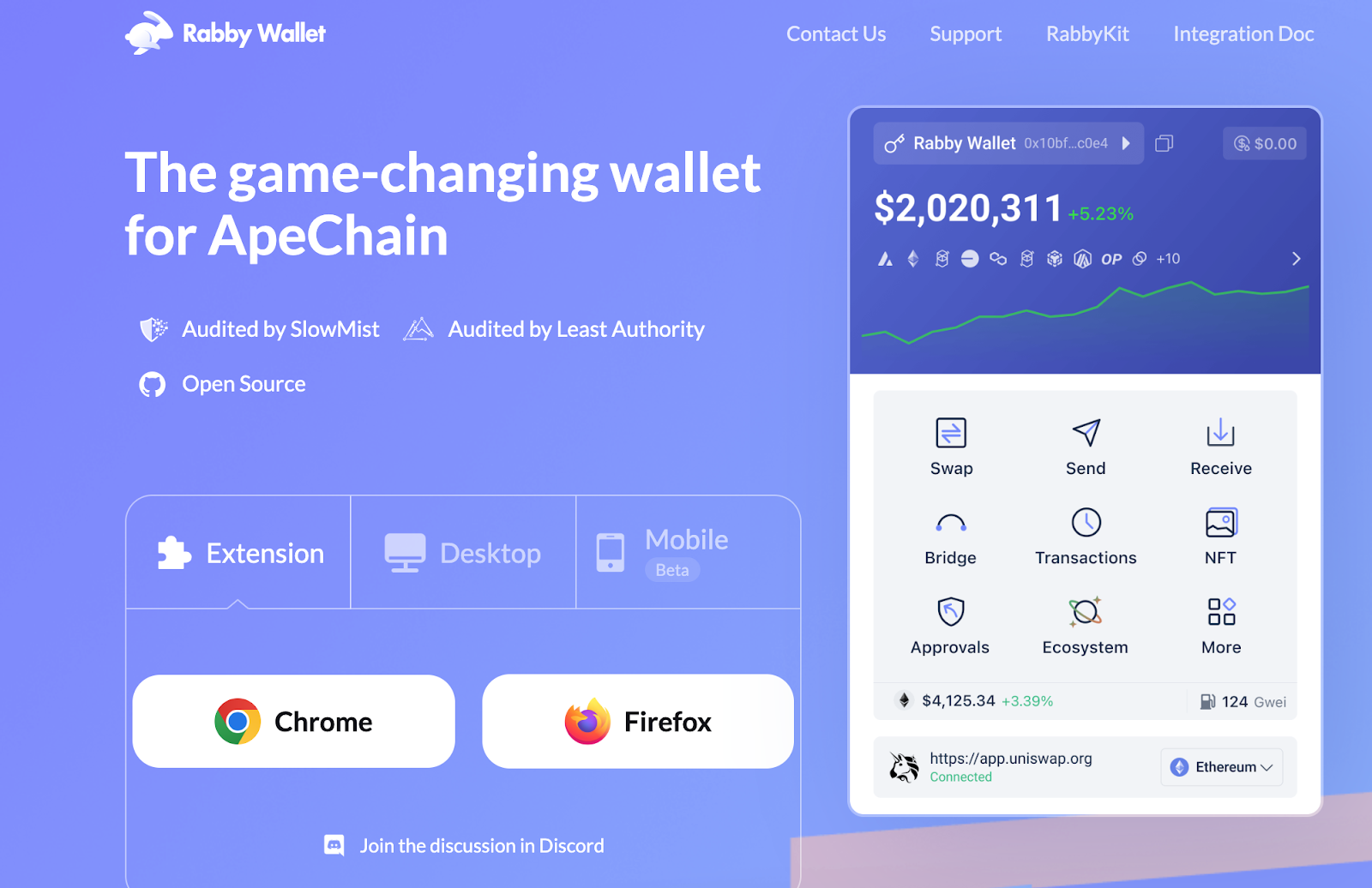
Step 1 : Download Rabby Wallet Extension
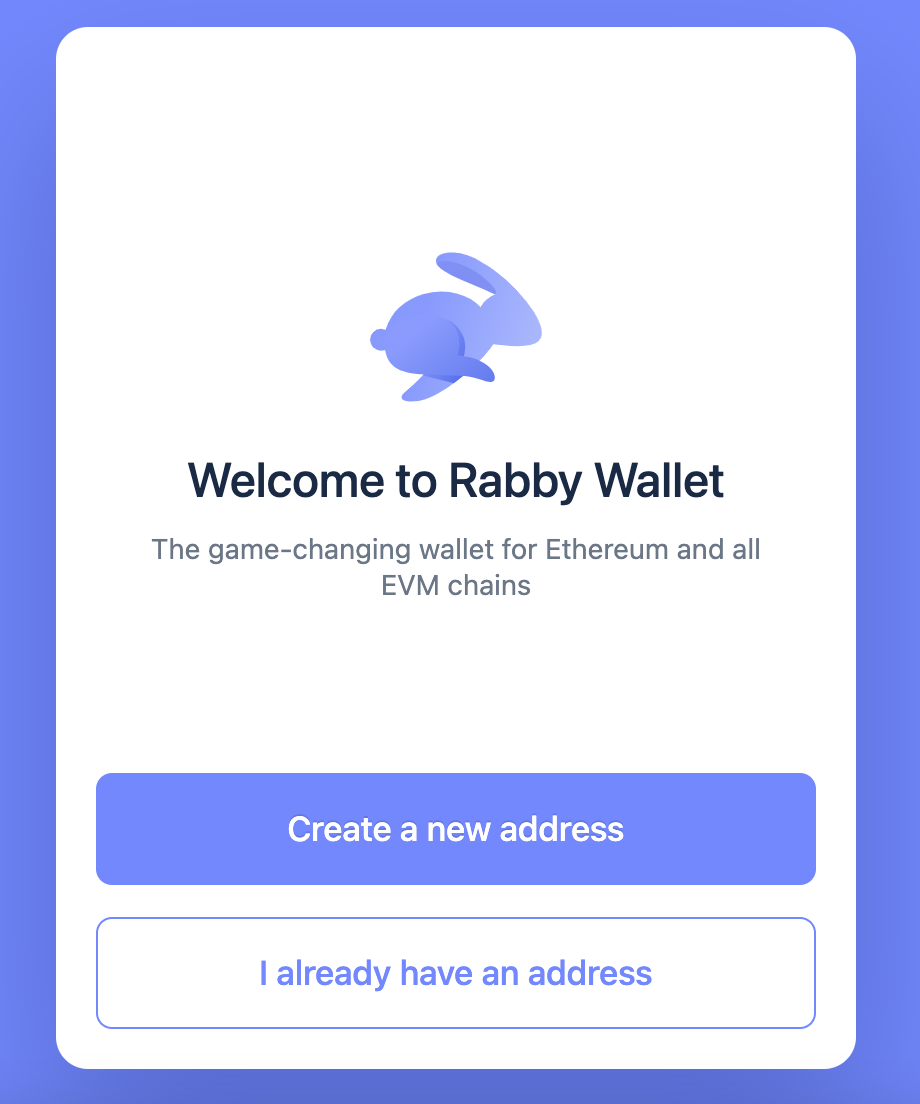
Step 2 : Create or Connect Your address
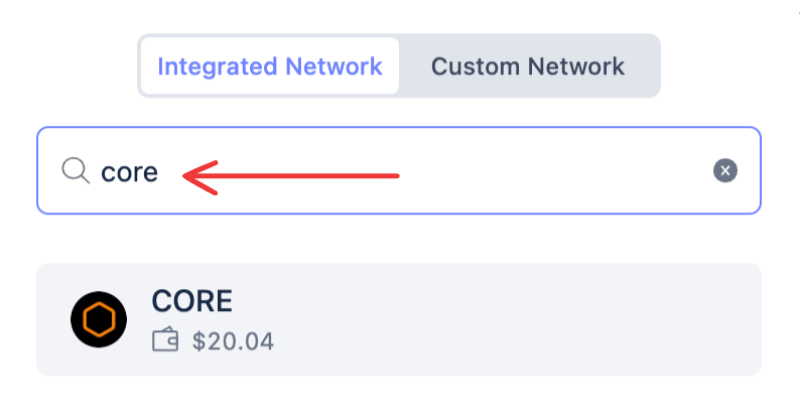
Step 3 : Choose Core Mainnet (or Core Testnet) directly from Rabby’s interface
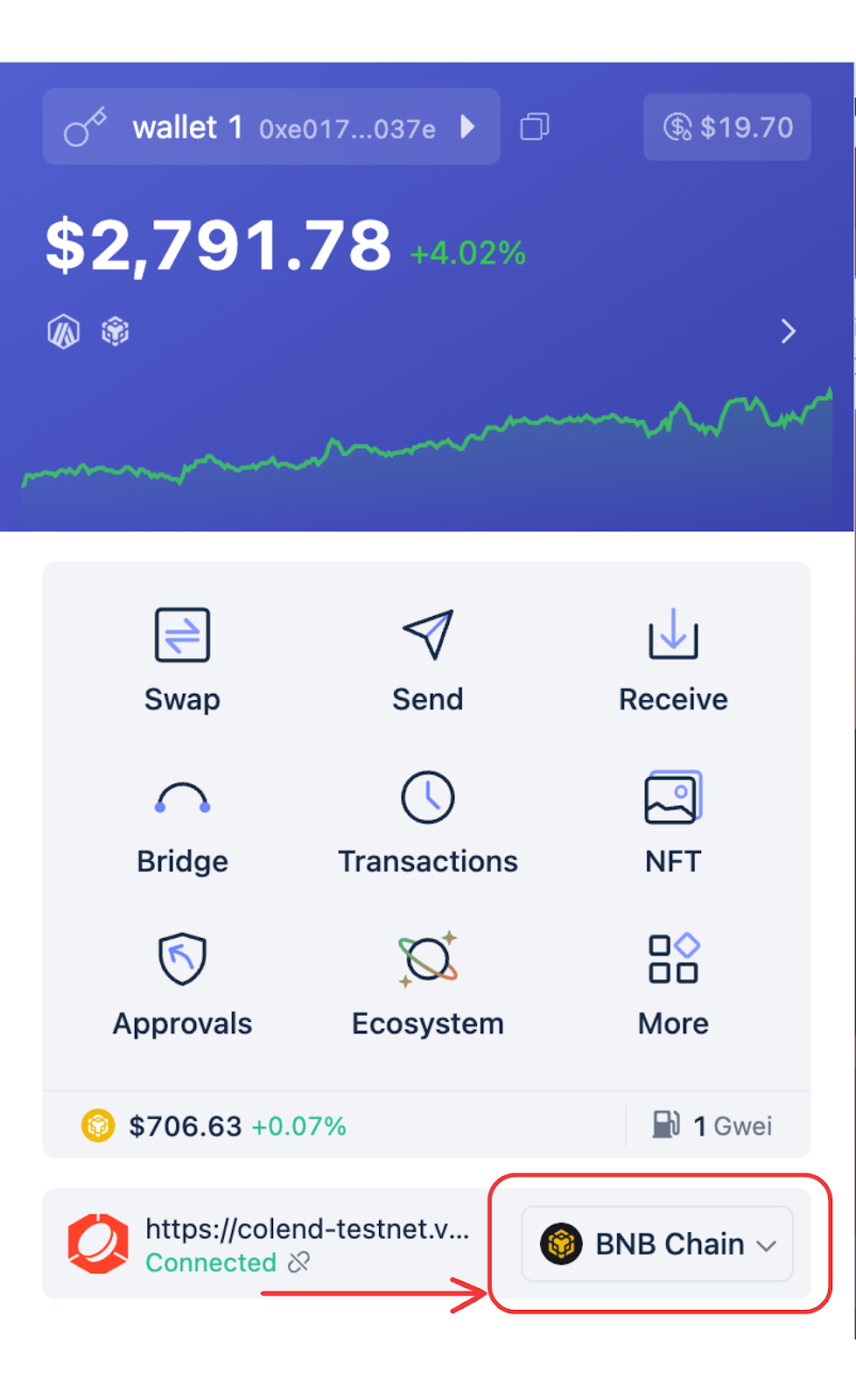
Step 4 : Make sure your wallet is connected to the Core Blockchain
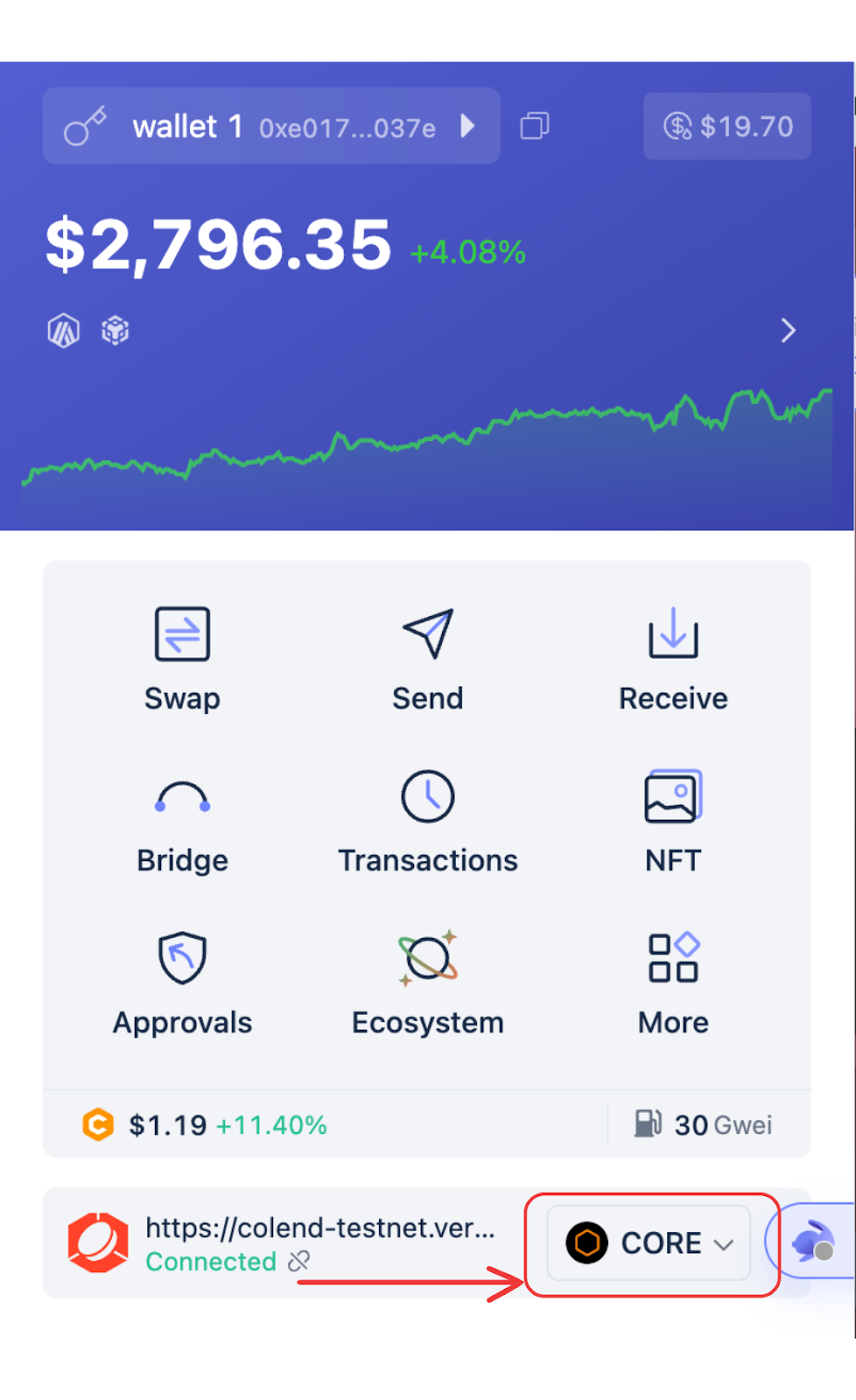
Step 5 : Once your wallet is connected you need to bridge your assets to the Core Blockchain to interact with Colend. → Bridge Assets Section
2. Add Core via Chainlist (Alternative)
If you use another wallet, such as MetaMask, Chainlist is a convenient solution to add the Core blockchain with one click. This platform provides an interface that allows you to easily connect
your wallet to the Core Mainnet or Core Testnet.
Note : Verify that you are logged into your wallet so the configuration applies automatically.
Step 1 : Verify that your wallet extension is active and connected to your browser.
Step 2 : Visit Chainlist.
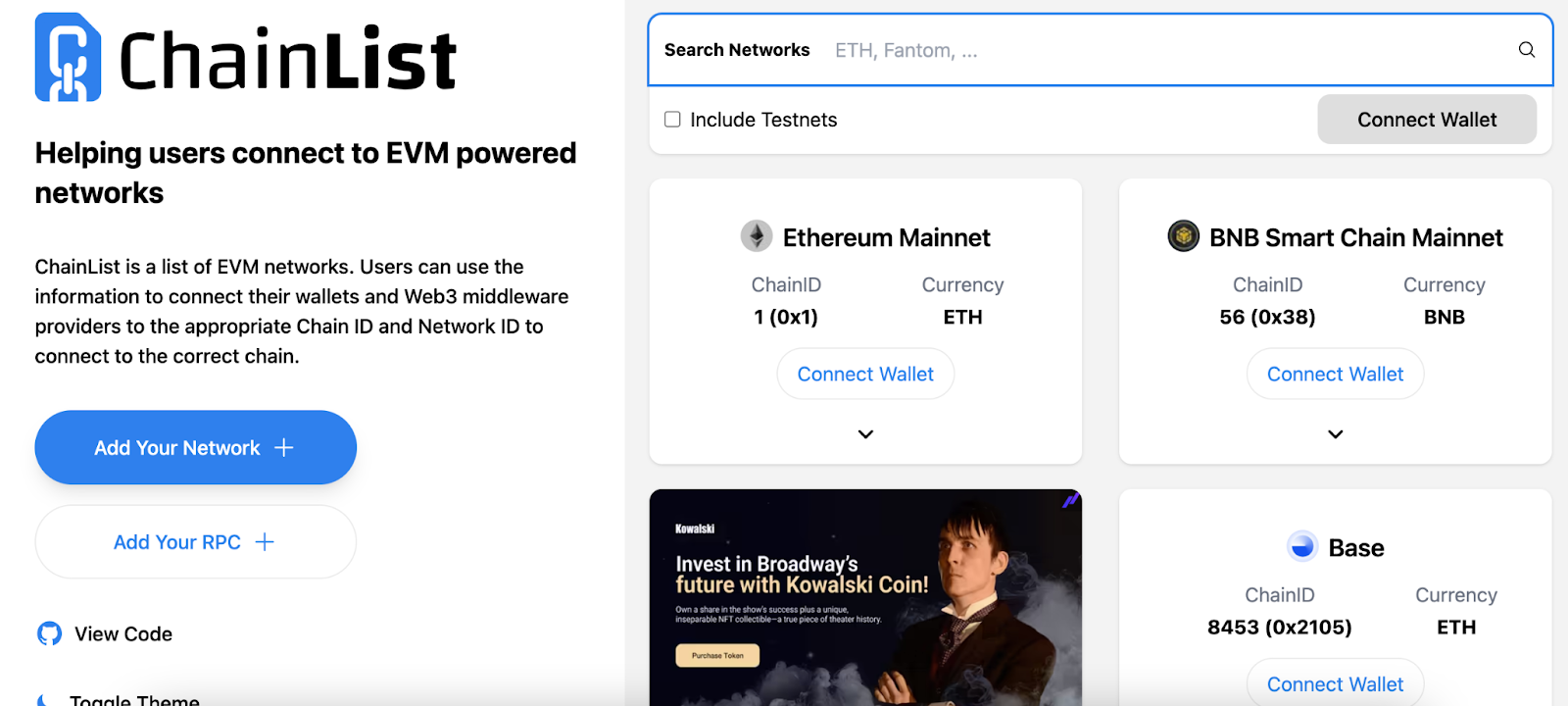
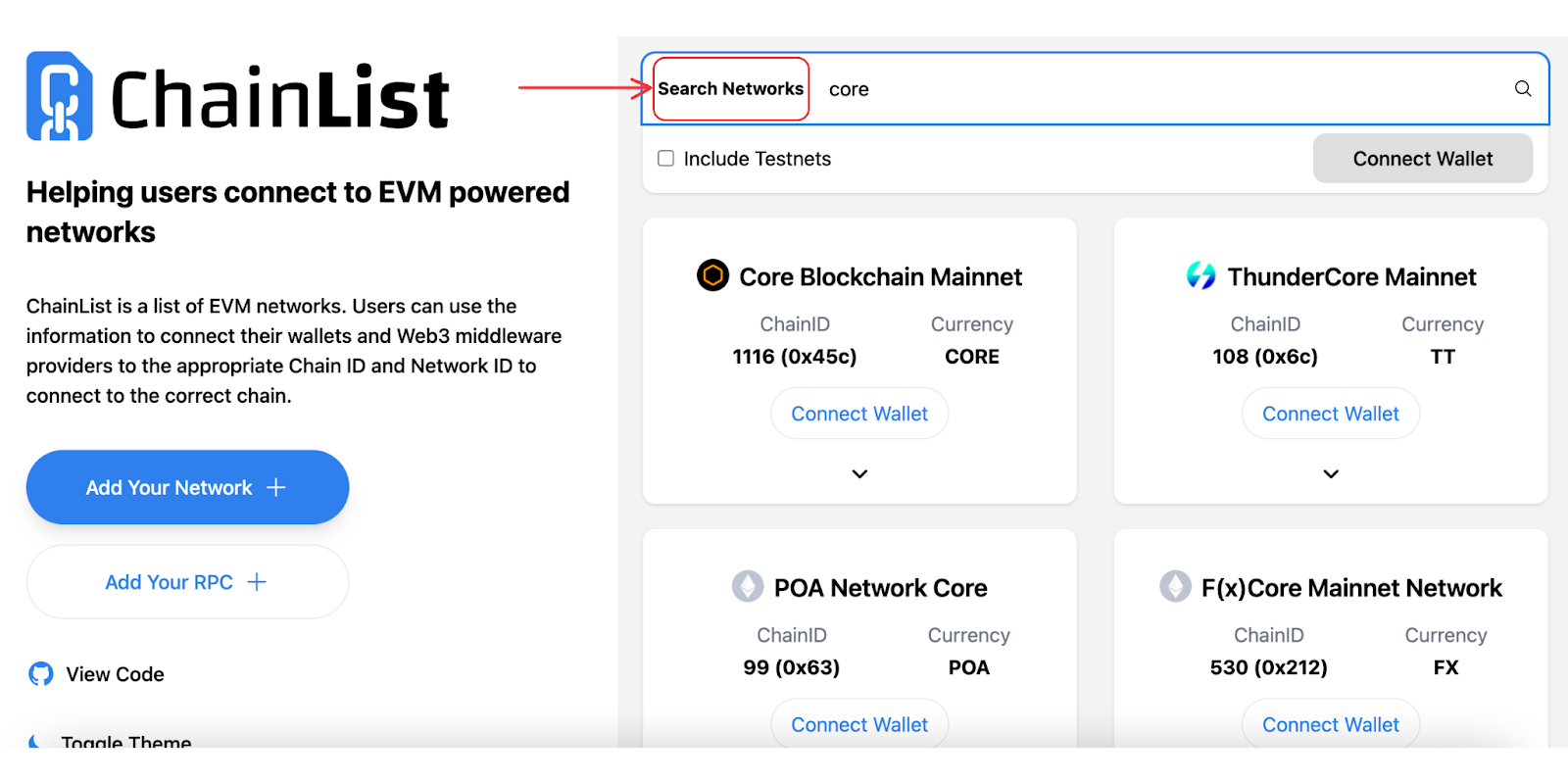
Step 3 : Search for “Core Mainnet” (the main network for real transactions) or, if you are a developer or tester, “Core Testnet.”
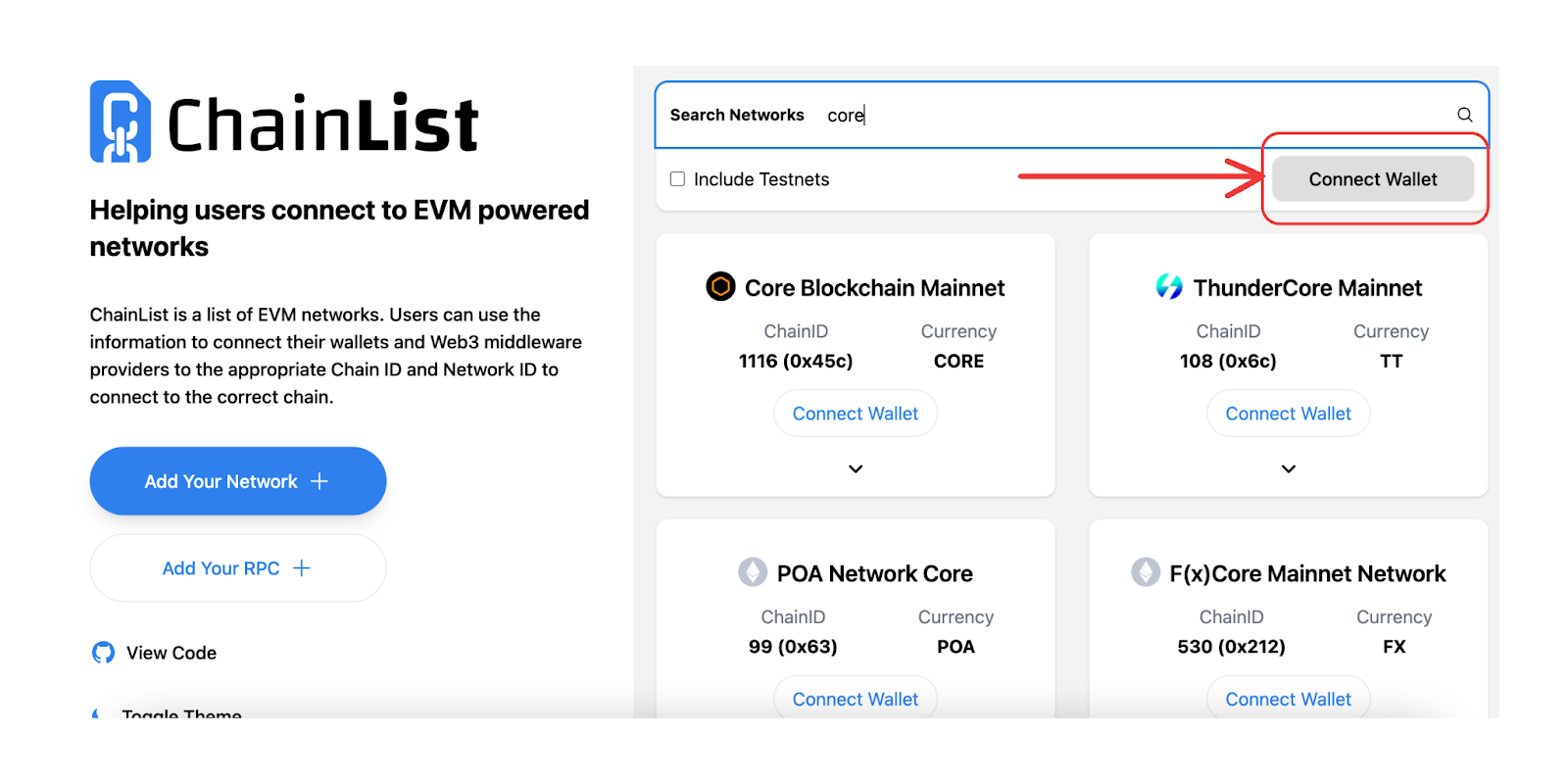
Step 4 : Click “Connect Wallet,” to Chainlist
A.
B.
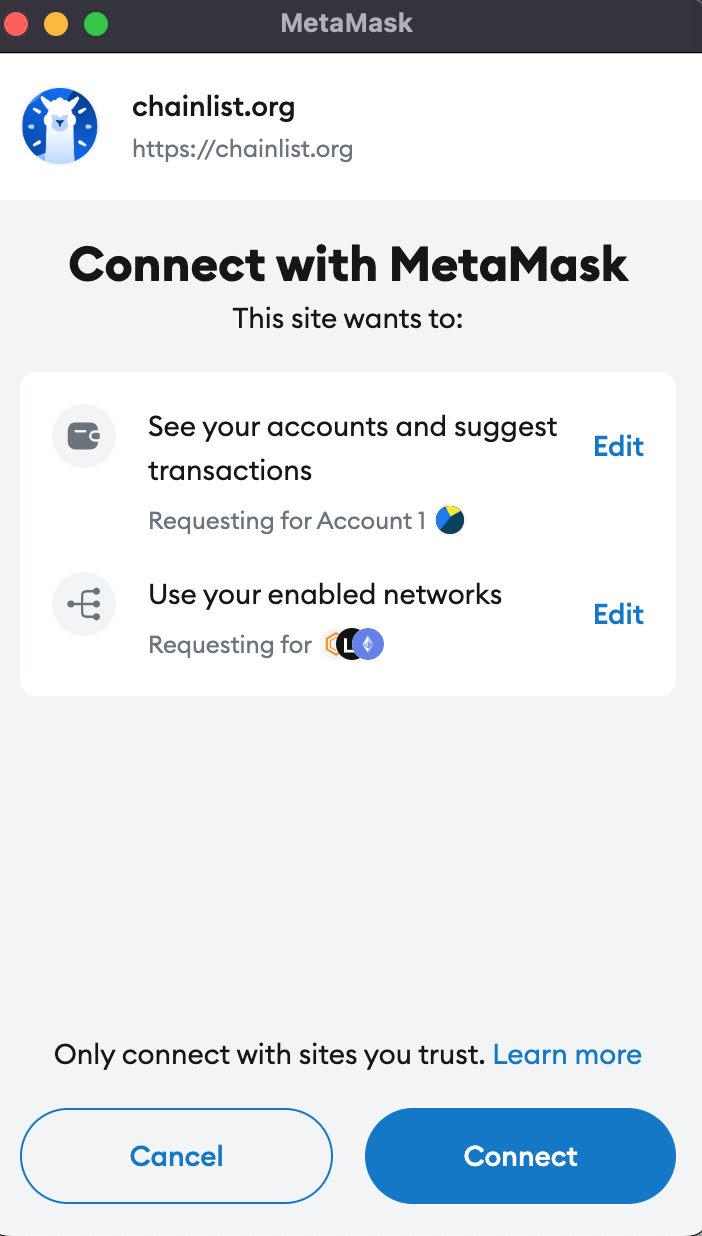
C.
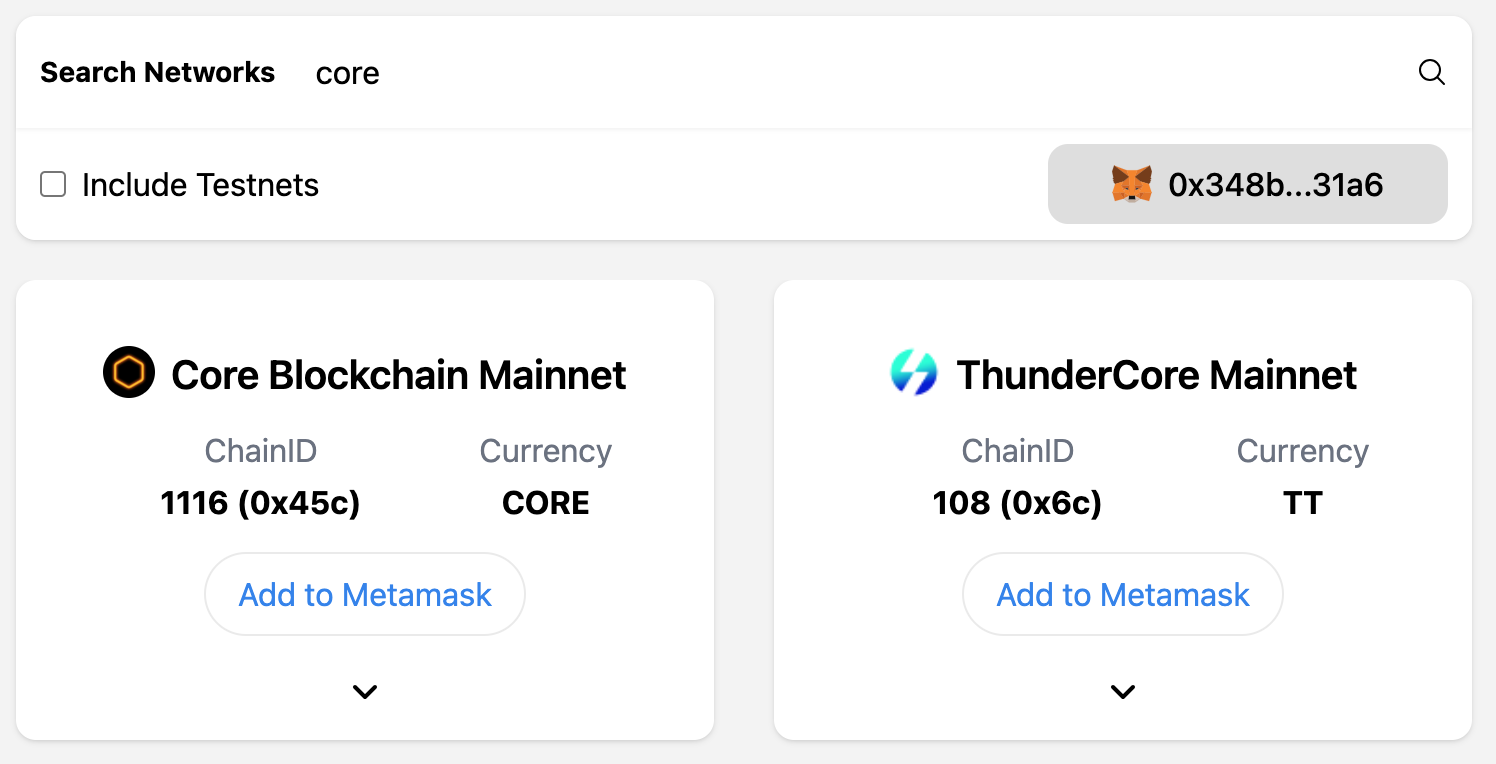
Step 5 : “Add Network” to automatically configure the network.
A.
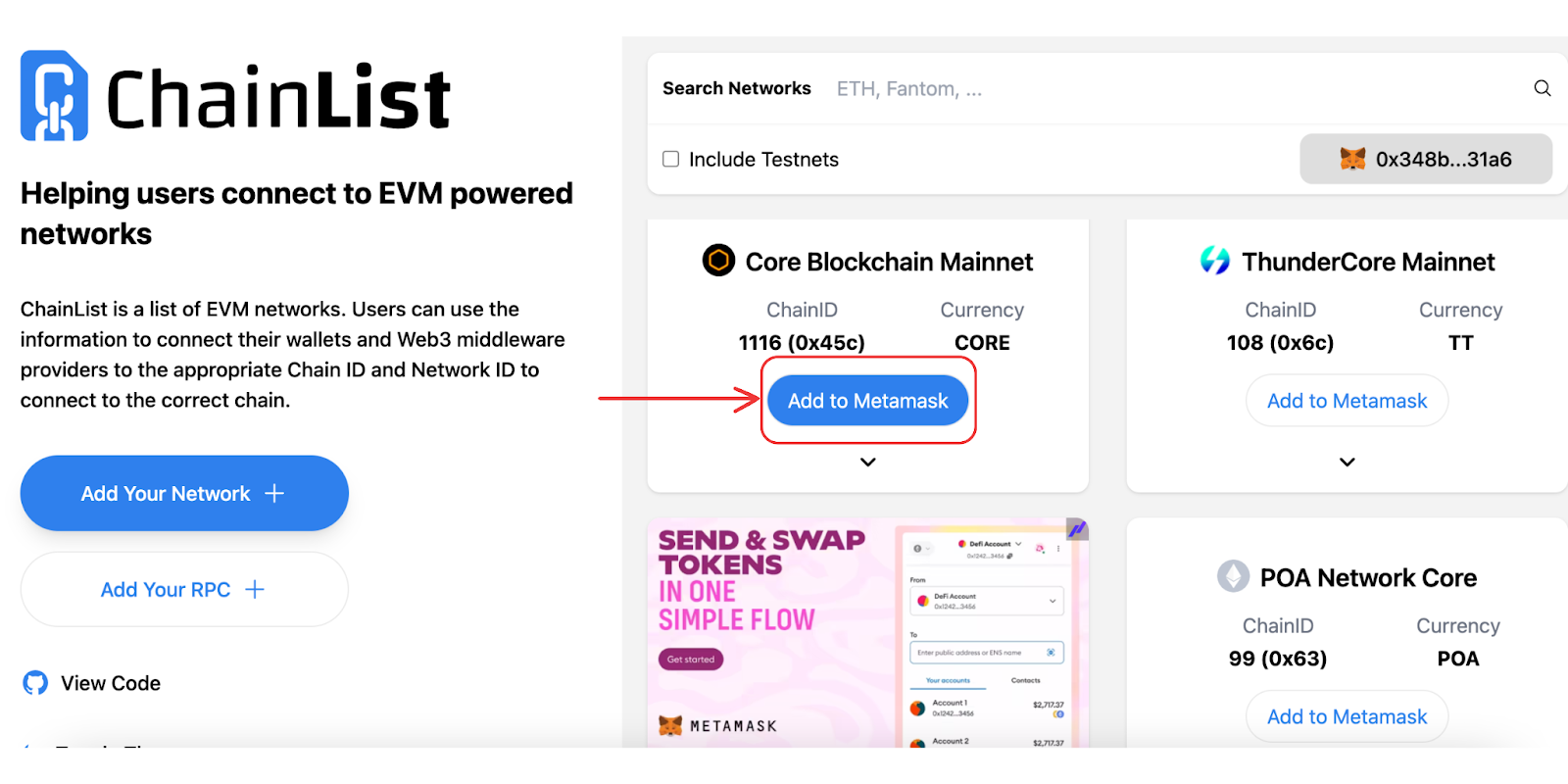
B.
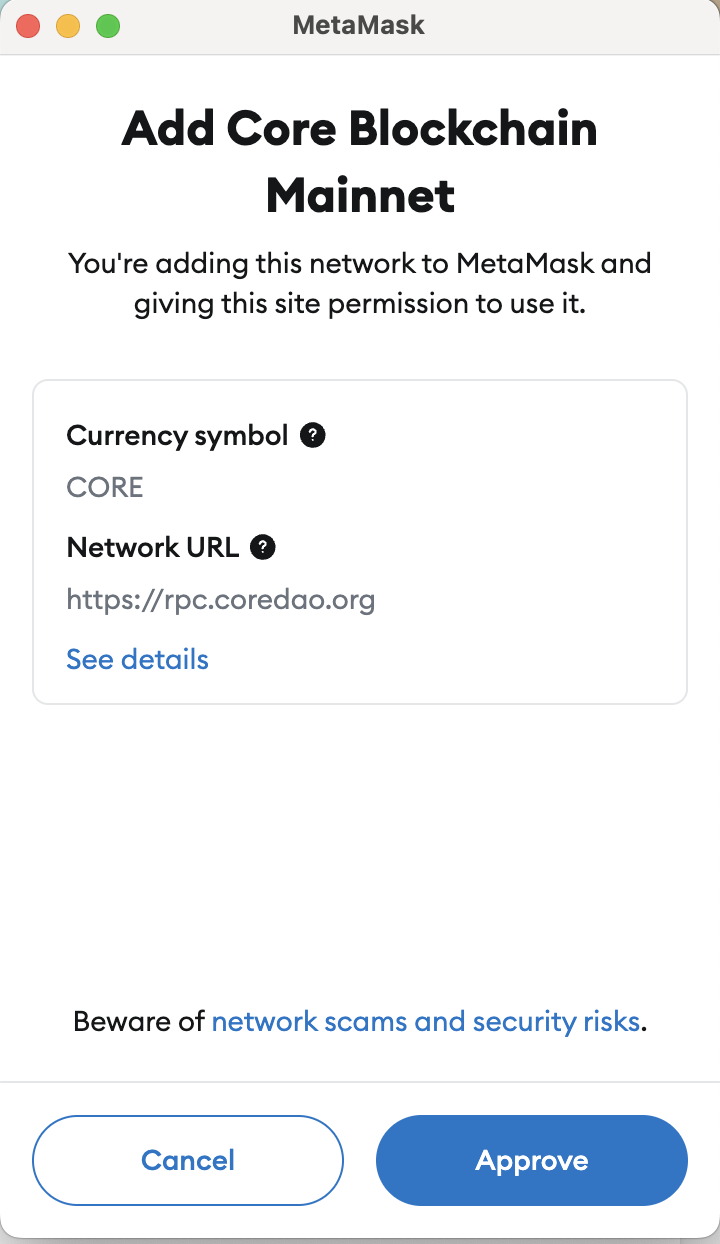
C.
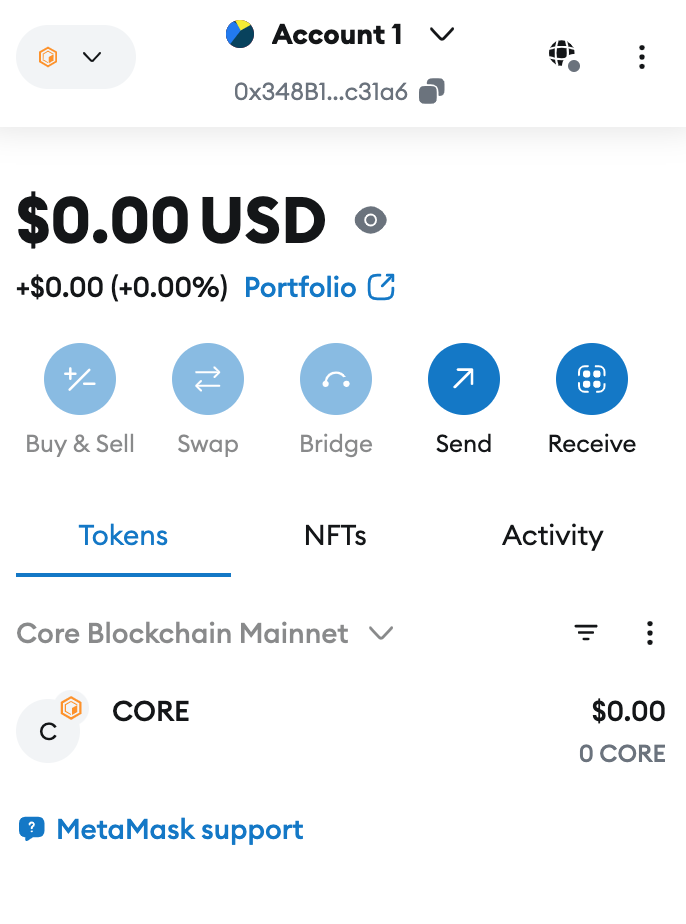
Step 6 : Once your wallet is connected, you need to bridge your assets to the Core Blockchain to interact with Colend. → Bridge Assets Section
3. Configure RPCs
This step is primarily for advanced users or developers.
Certain applications and wallets may require manual configuration to connect to the Core blockchain.
Here are the essential RPC parameters for the Core Mainnet and Core Testnet :
Core Mainnet (Main Network)
These parameters allow you to configure a wallet like MetaMask to interact with the Core blockchain's main network :
Network Name : Core Blockchain
RPC URL : https://rpc.coredao.org/
Chain ID : 1116
Currency Symbol : CORE
Block Explorer URL : https://scan.coredao.org
Core Testnet (For Developers and Testers)
Developers and testers can use these parameters to access the test network :
Network Name : Core Chain TestNet
RPC URL : https://rpc.test.btcs.network
Chain ID : 1115
Currency Symbol : tCORE
Block Explorer URL : https://scan.test.btcs.network
Important Note
If you have questions or encounter issues during the setup, our support team is available to assist you. Join us on Telegram for personalized support.