Bridge Assets
By following these steps, you will be able to transfer your tokens from the BNB Chain to Core Chain. The process for bridging any assets is similar from other chains.
Before You Start
Make sure you have the token you want to bridge in your wallet and enough gas tokens from the source blockchain to cover transaction fees. (e.g., ETH for Arbitrum and Base, BNB for BNB Chain)
Step-by-Step Guide
Step 1 : Access the Core Bridge
Open the Core Bridge
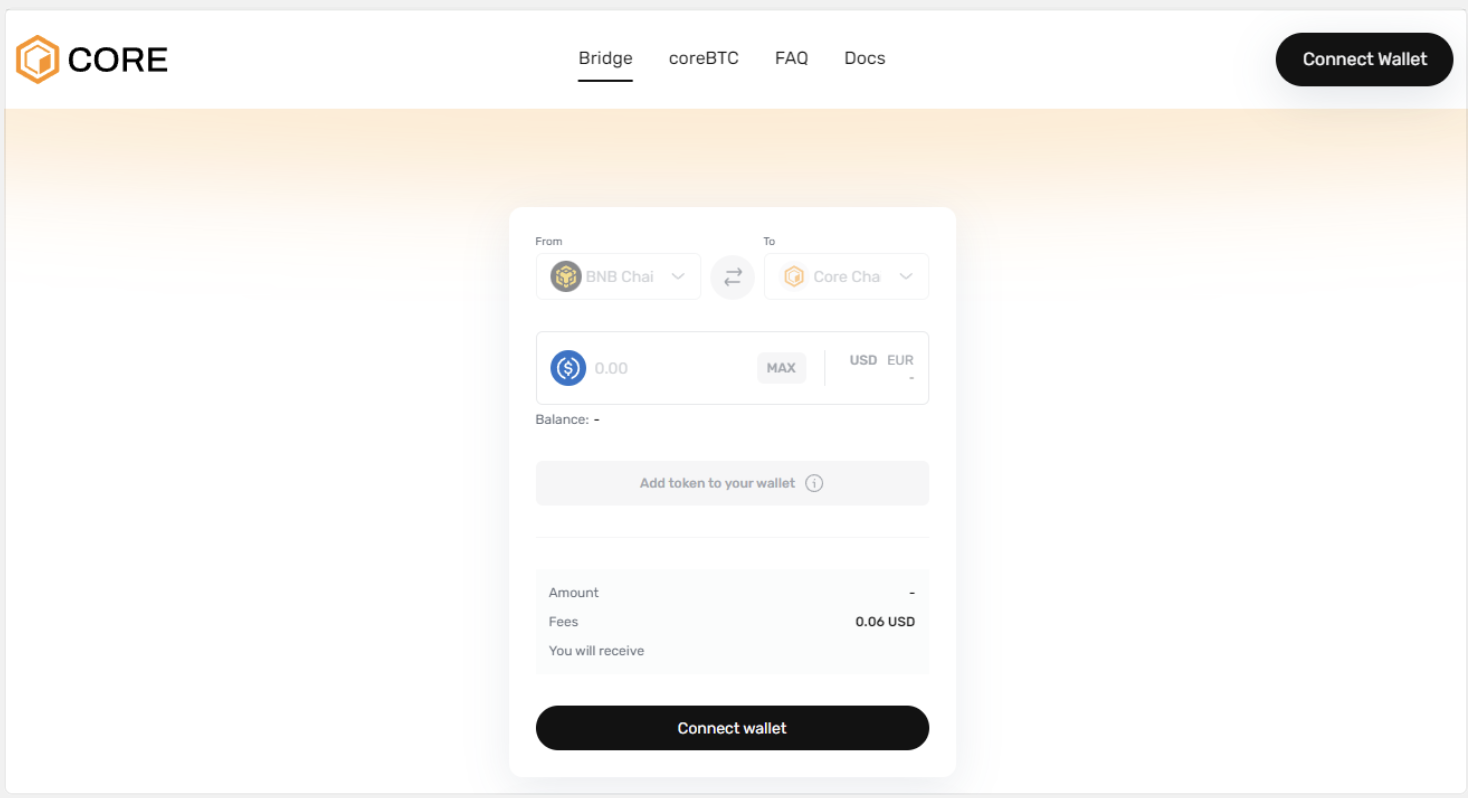
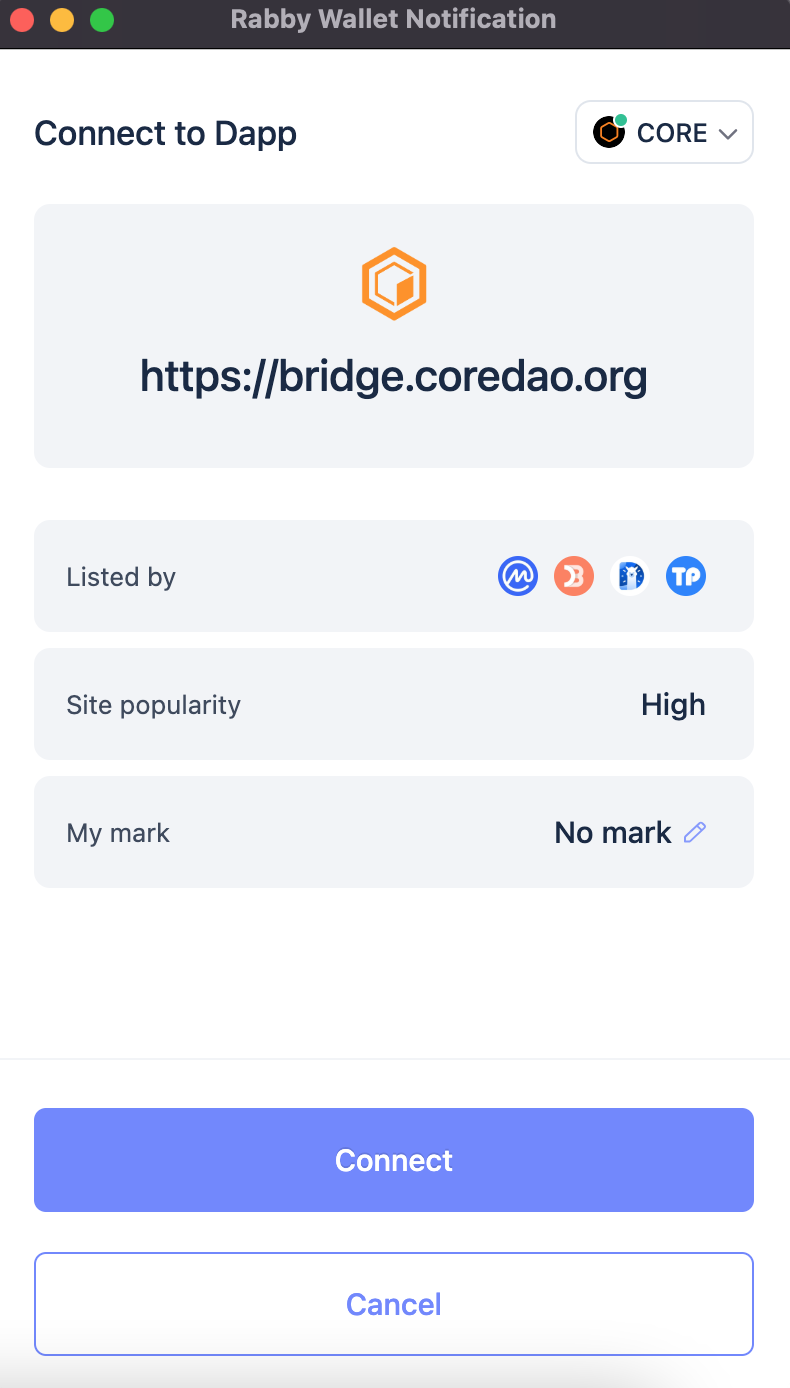
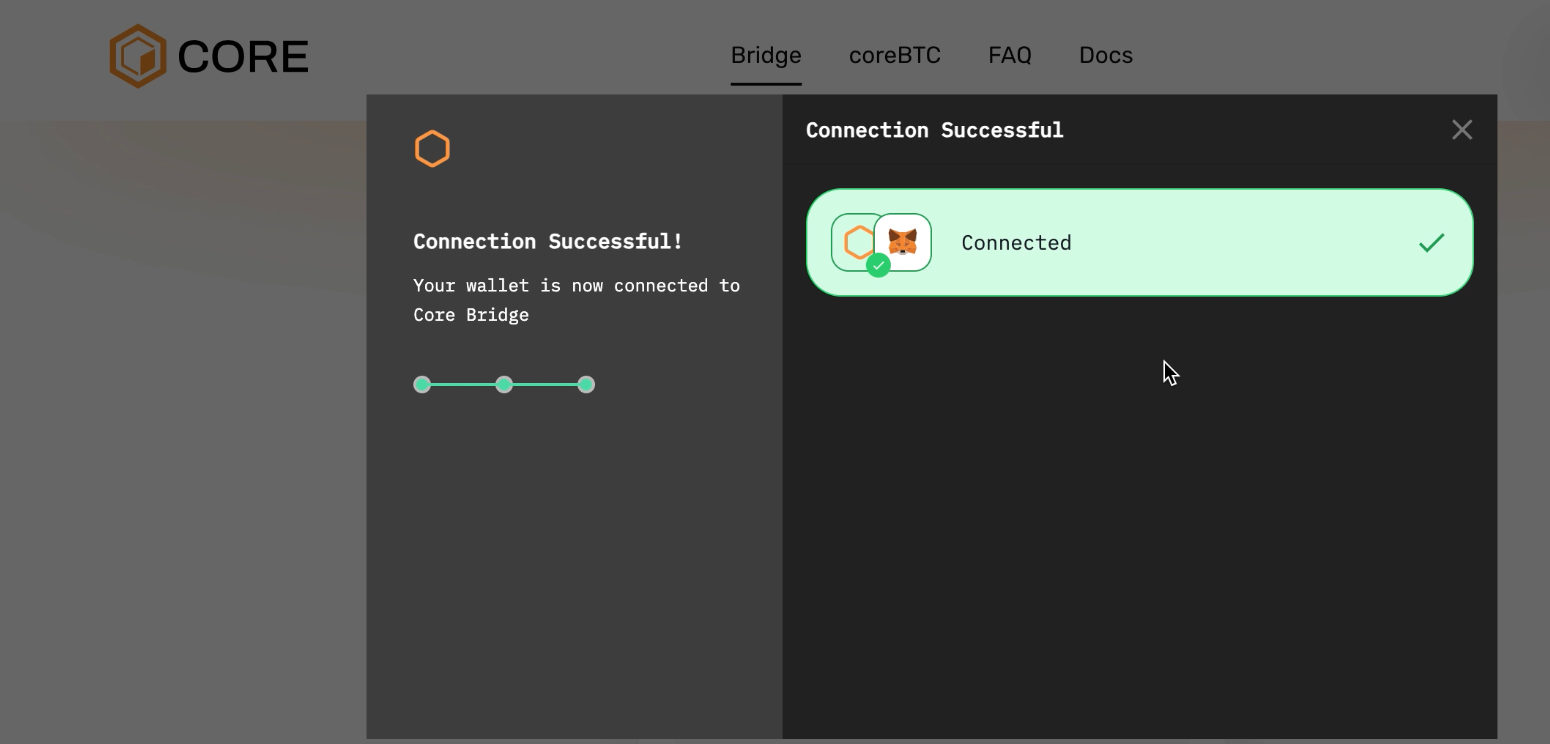
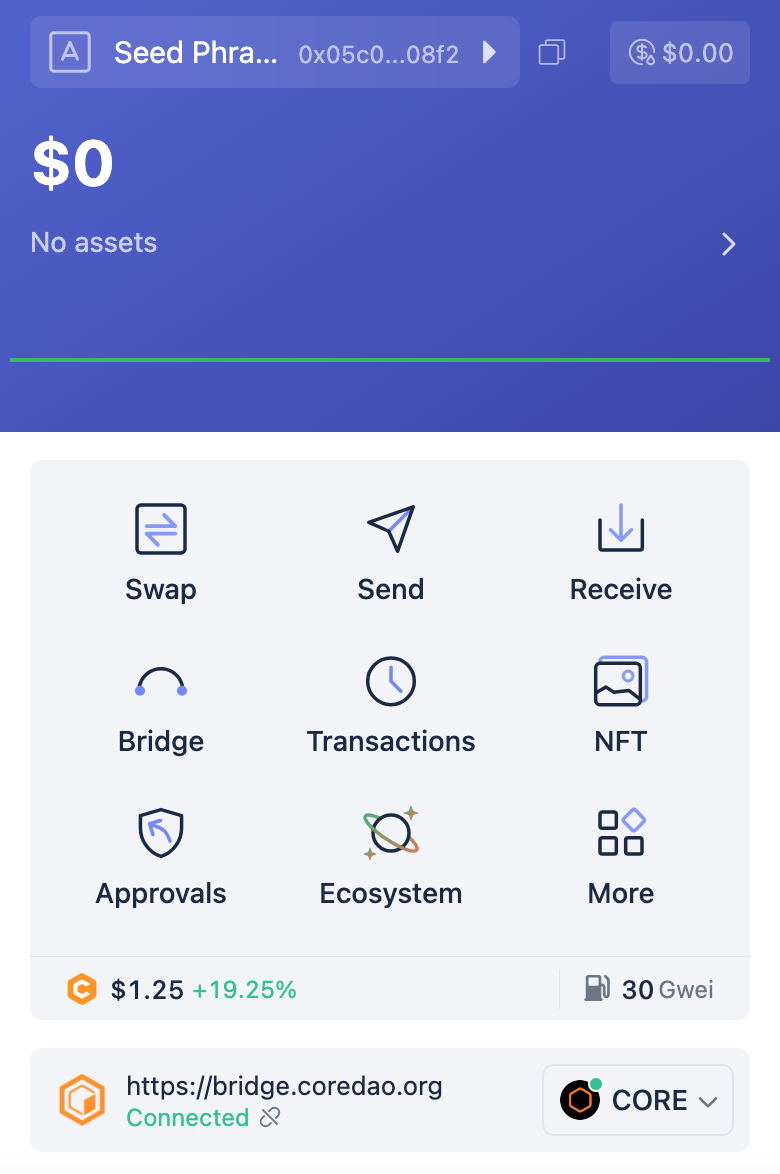
Step 2 : Connect Your Wallet
A. Click the "Connect Wallet" button.
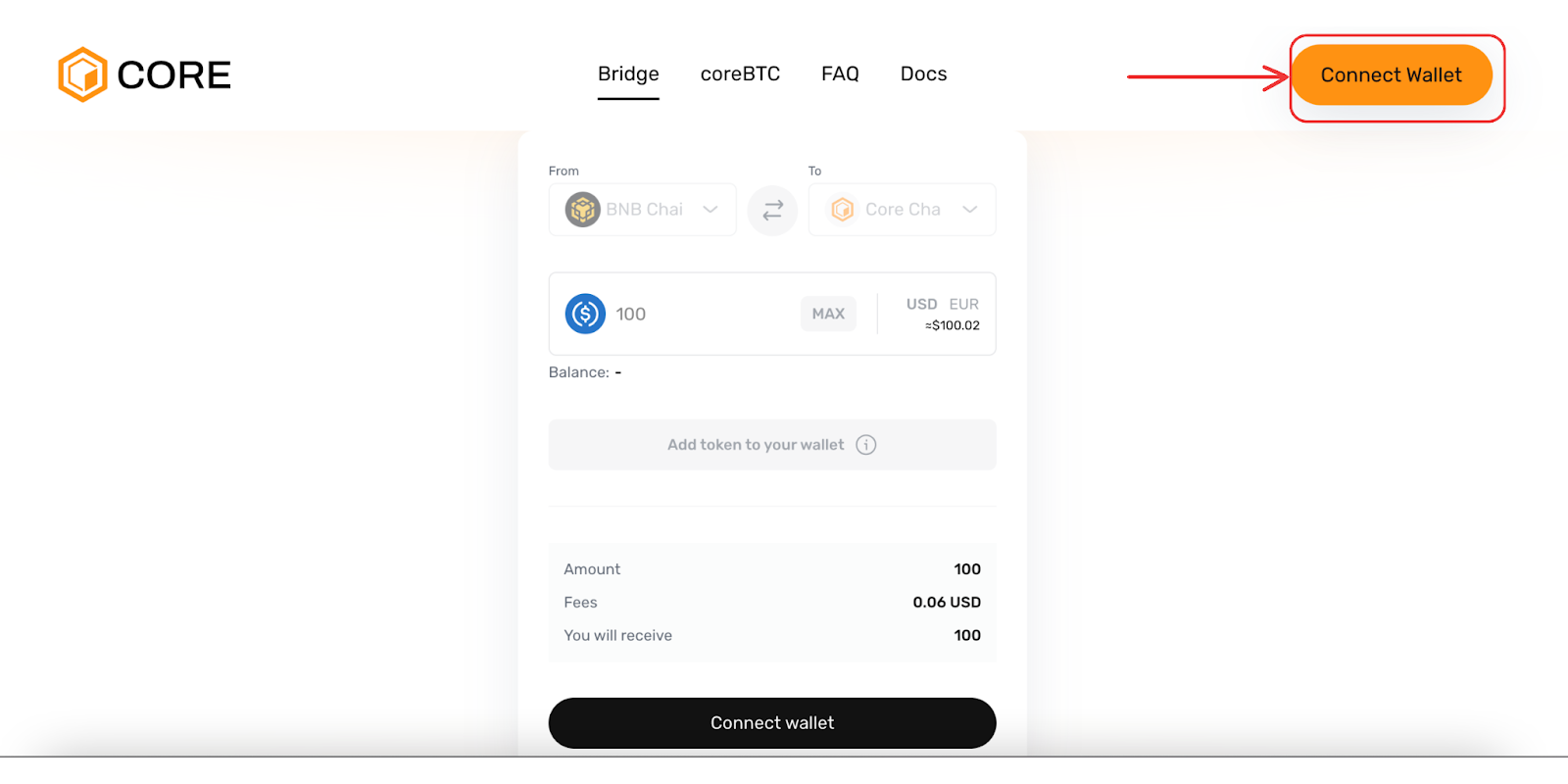
B. Choose one of the available methods to connect your wallet.
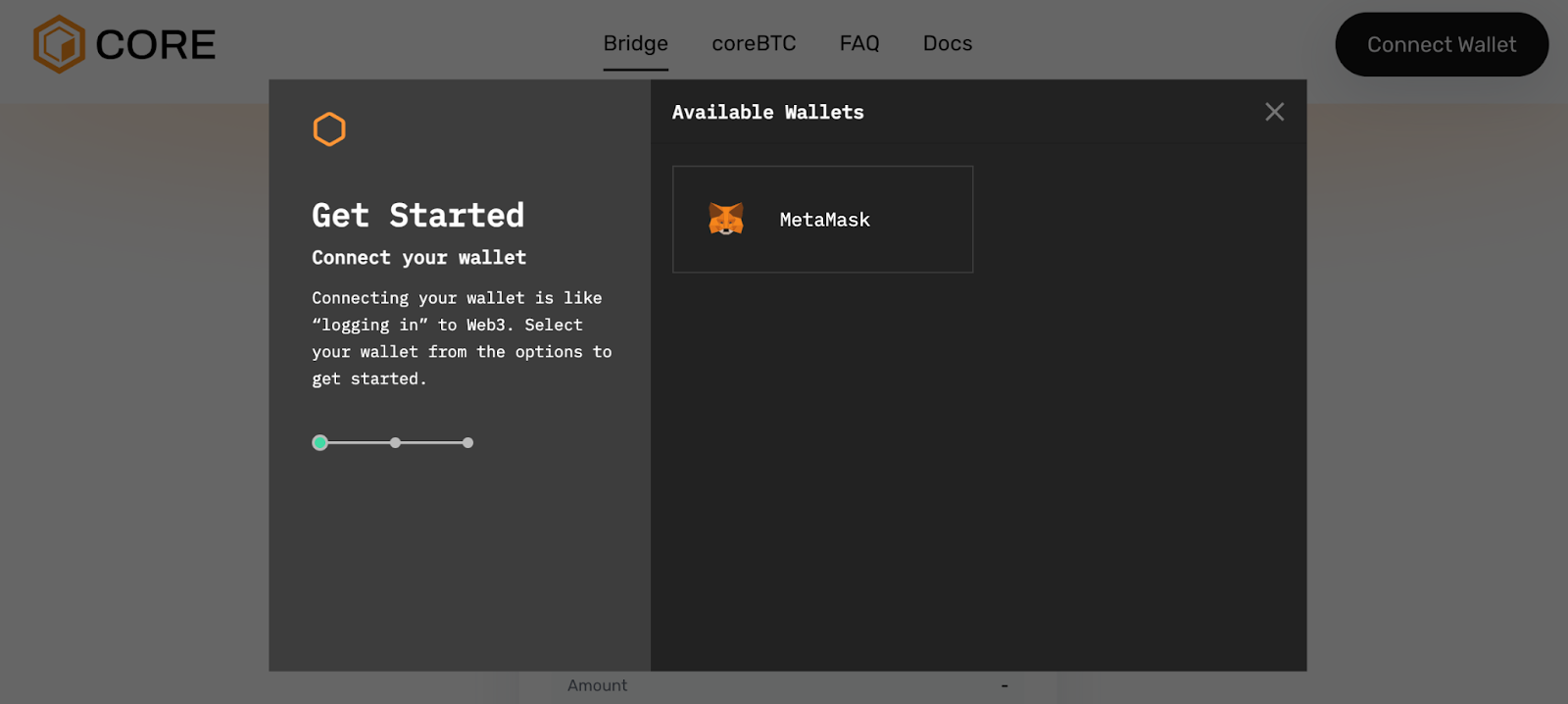
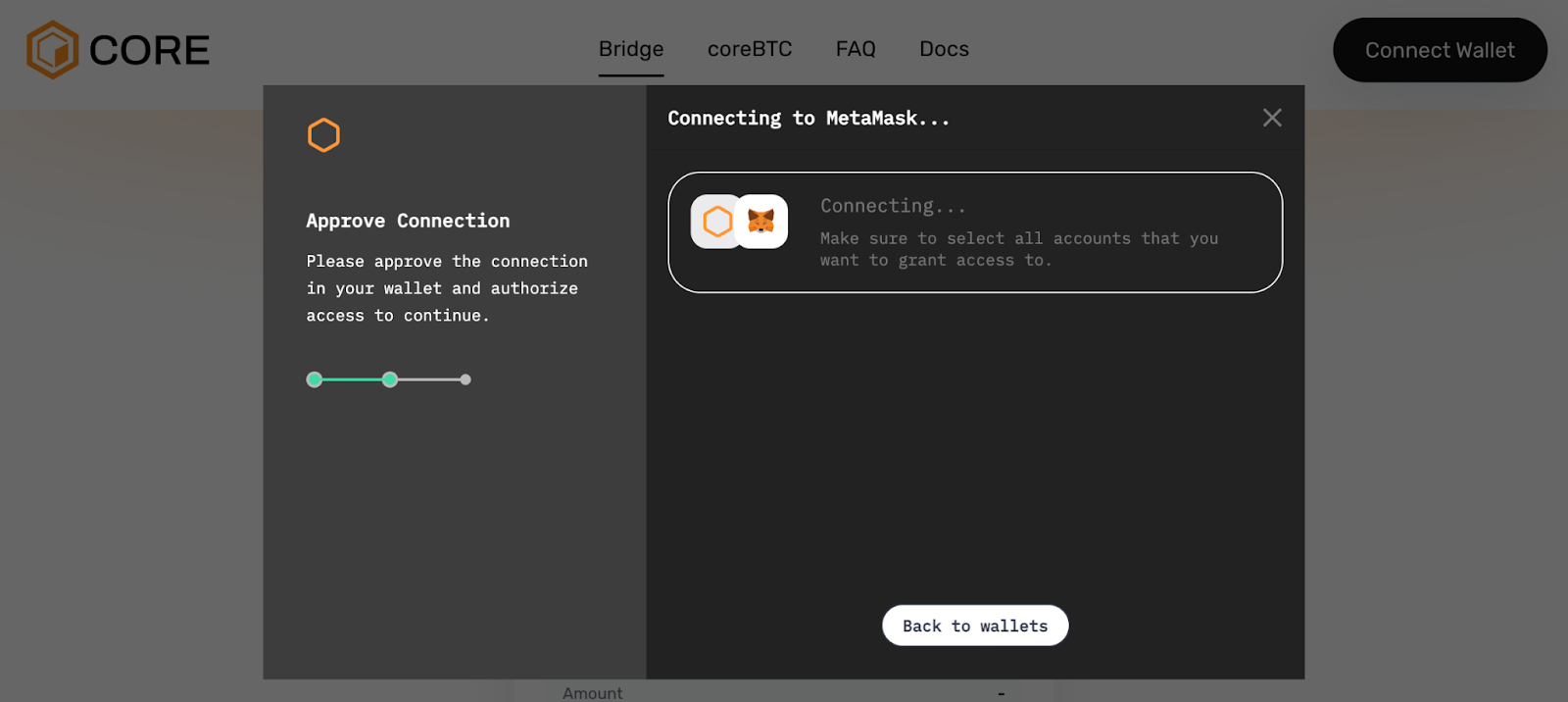
C. Sign the connection request to properly connect your wallet.
Step 3 : Select the Asset and Amount to Bridge
Select the BNB Chain as the "from network" since this is where you are transferring from.
Choose the asset you want to bridge by selecting it in the interface.
Enter the amount you wish to bridge.
Optionally, you can add some extra BNB to cover transaction fees.
The destination address is automatically set to your connected wallet address.
If you bridge an amount greater than 10 USDT for the first time, you will receive a gas from CORE Faucet, allowing you to swap your crypto and accumulate more CORE, the gas token necessary to validate all your transactions on the chain.
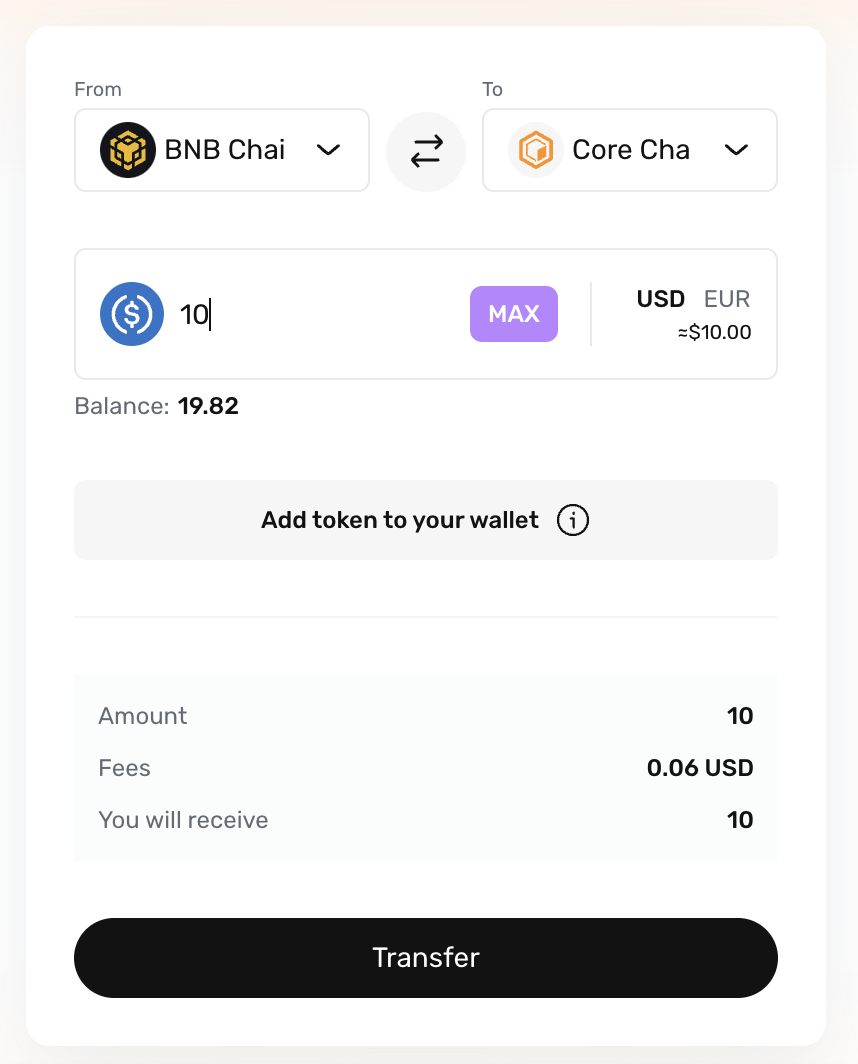
Step 4 : Once you have selected the asset, entered the amount, and added BNB (if needed), click the "Transfer" button to proceed.
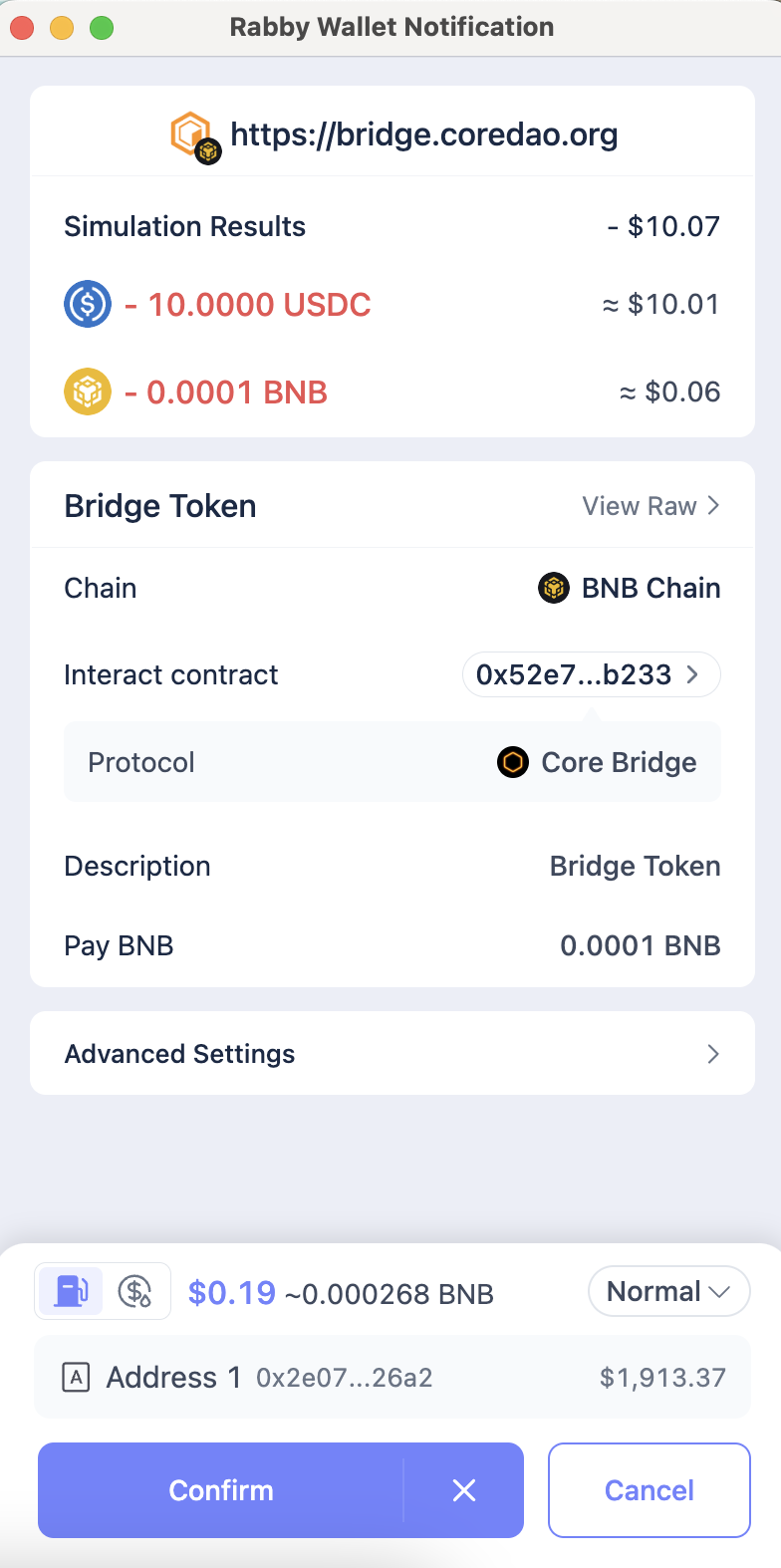
Step 5 : Confirm the Transaction
A. Sign to approve the transaction.
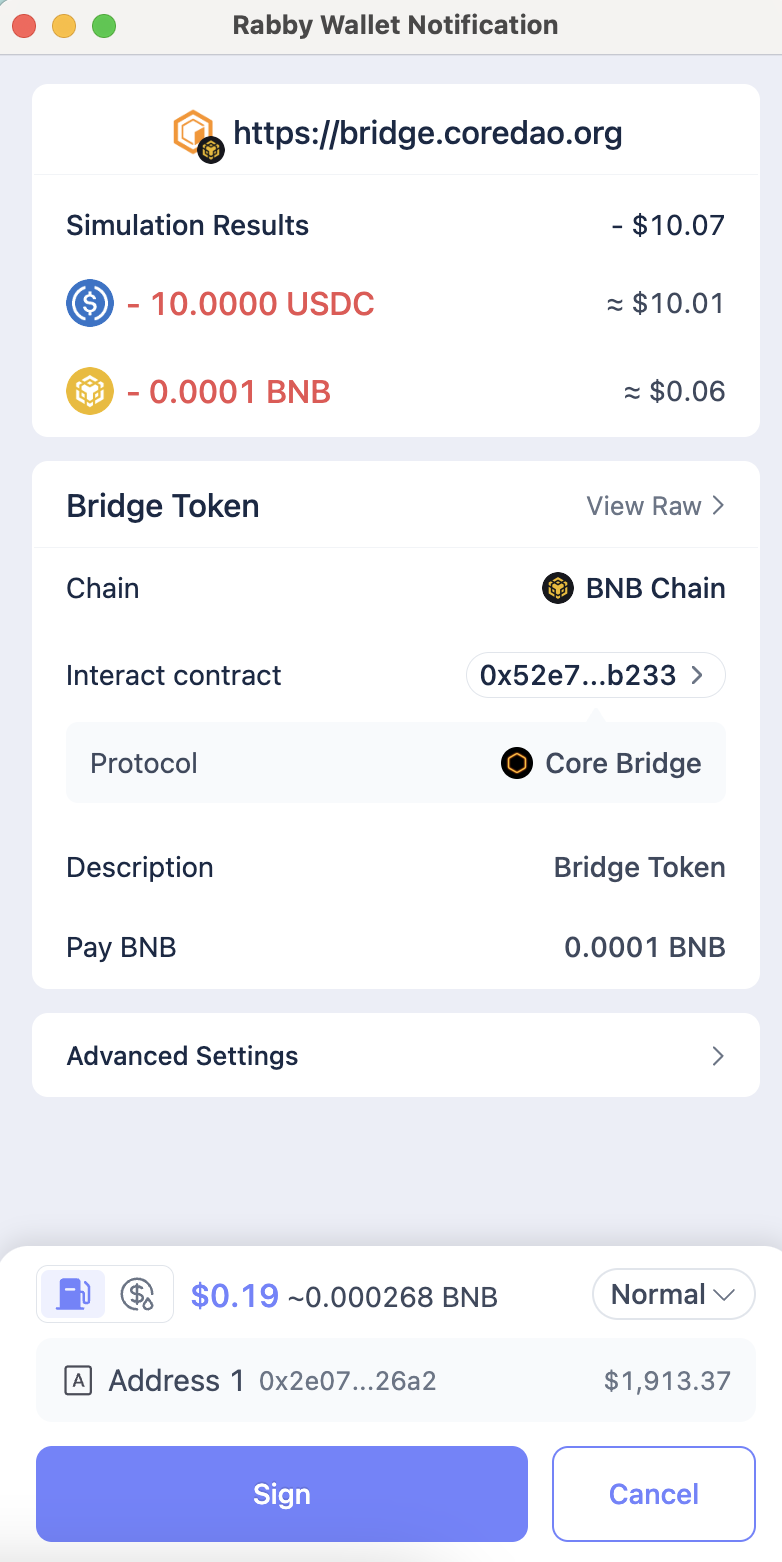
B. Click "Confirm" to start the bridging process.
Step 6 : Transaction Complete
You have successfully bridged your assets to the Core Network!
A notification or message will confirm the successful transfer.
Now that you have bridged your assets, you can learn How to use Colend.